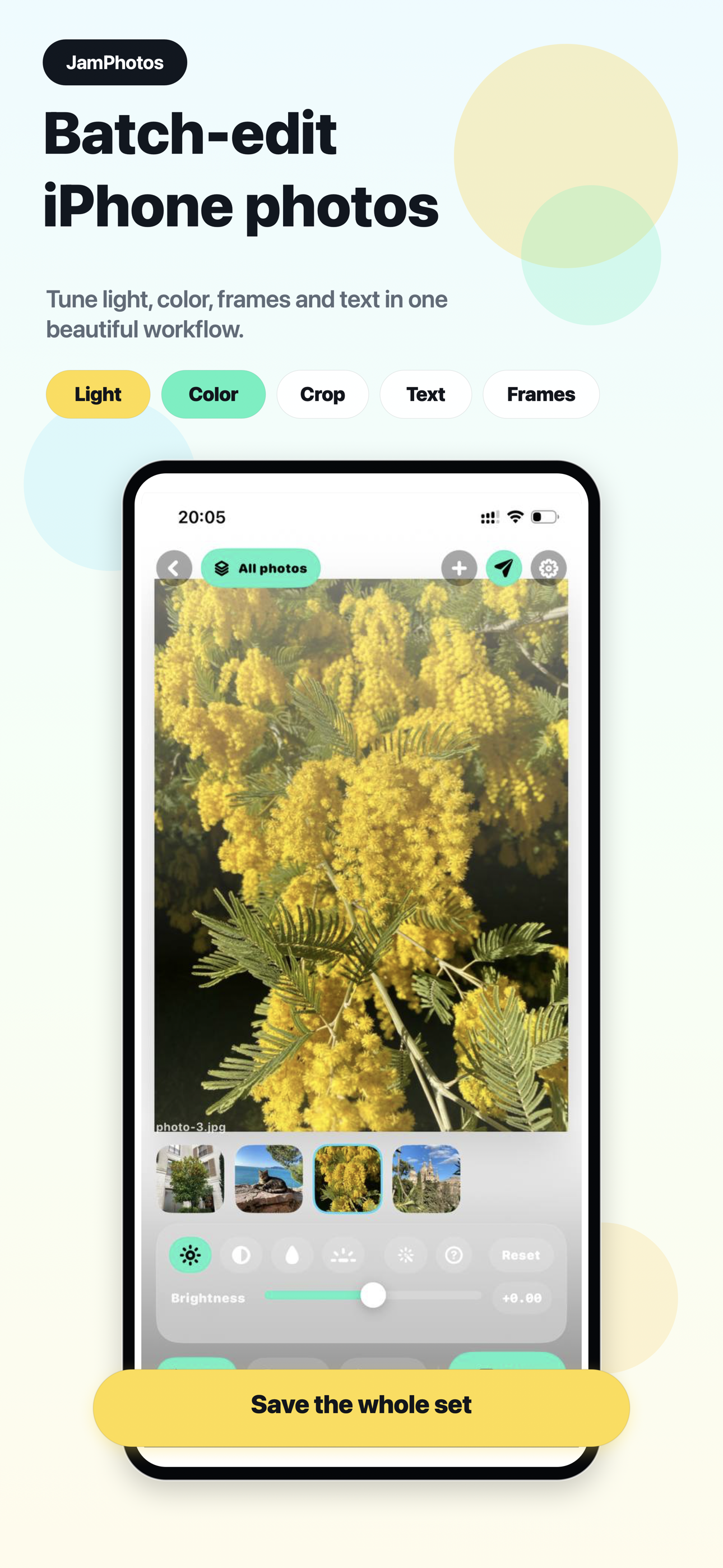
Apply one look to a full set or tune one image when it needs special handling.
Collages, frames, and presets
Edit and export photos without leaving your phone.
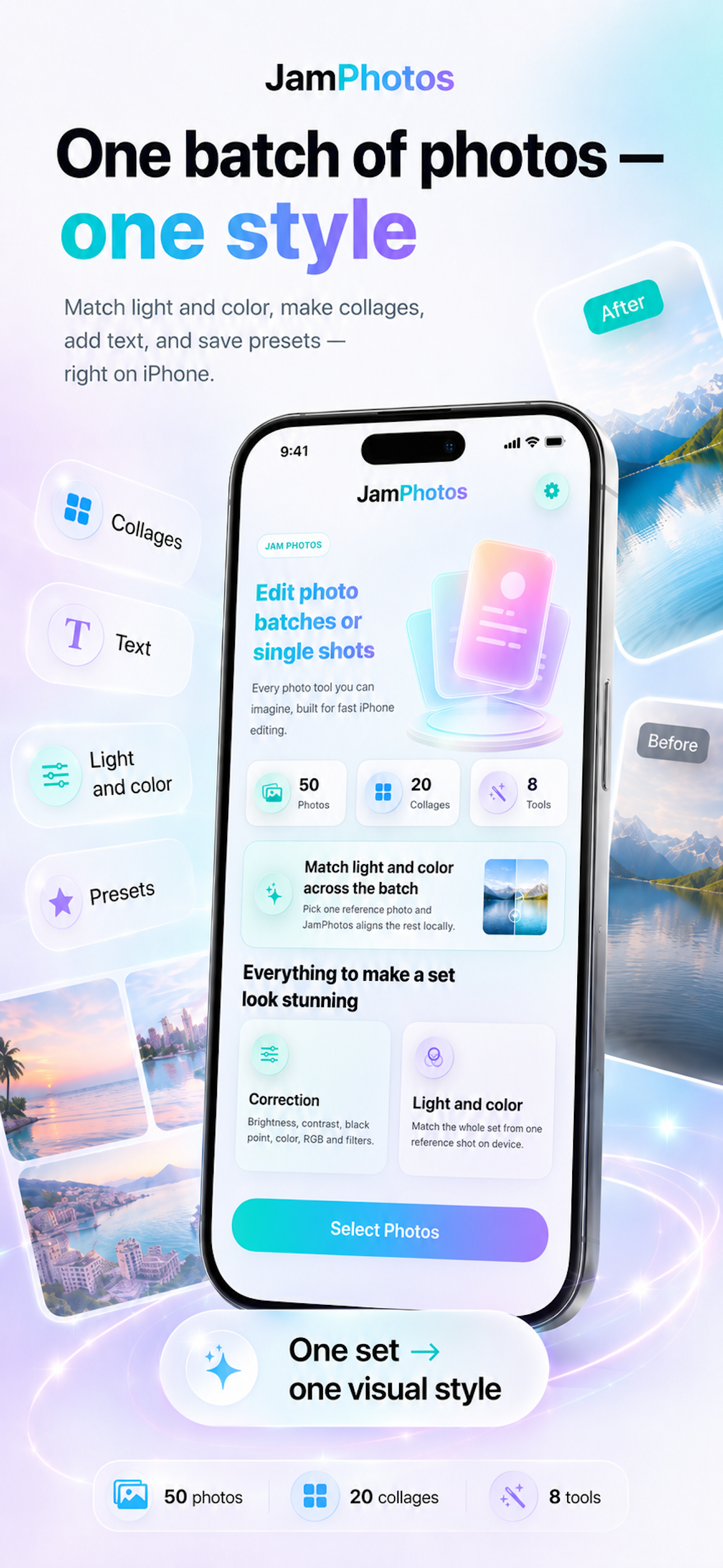
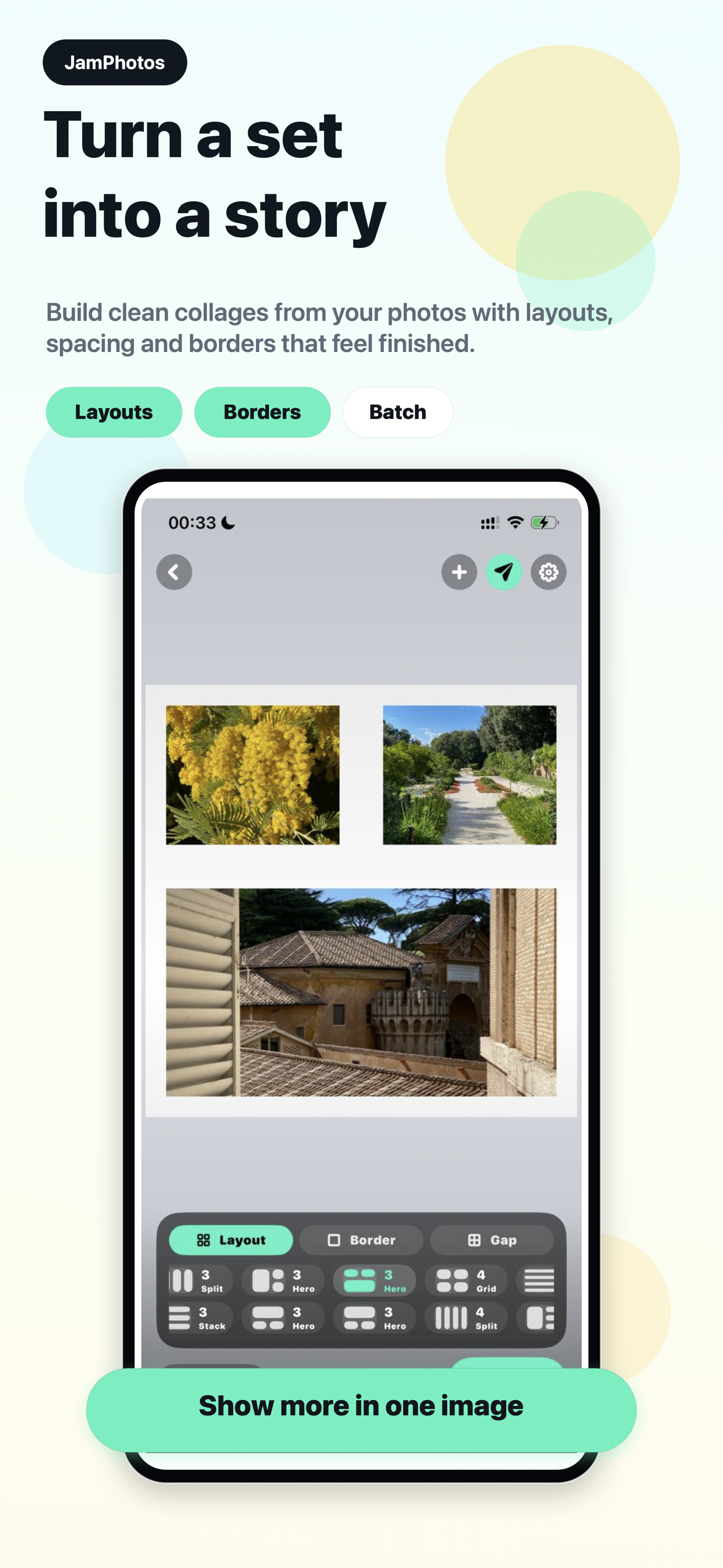
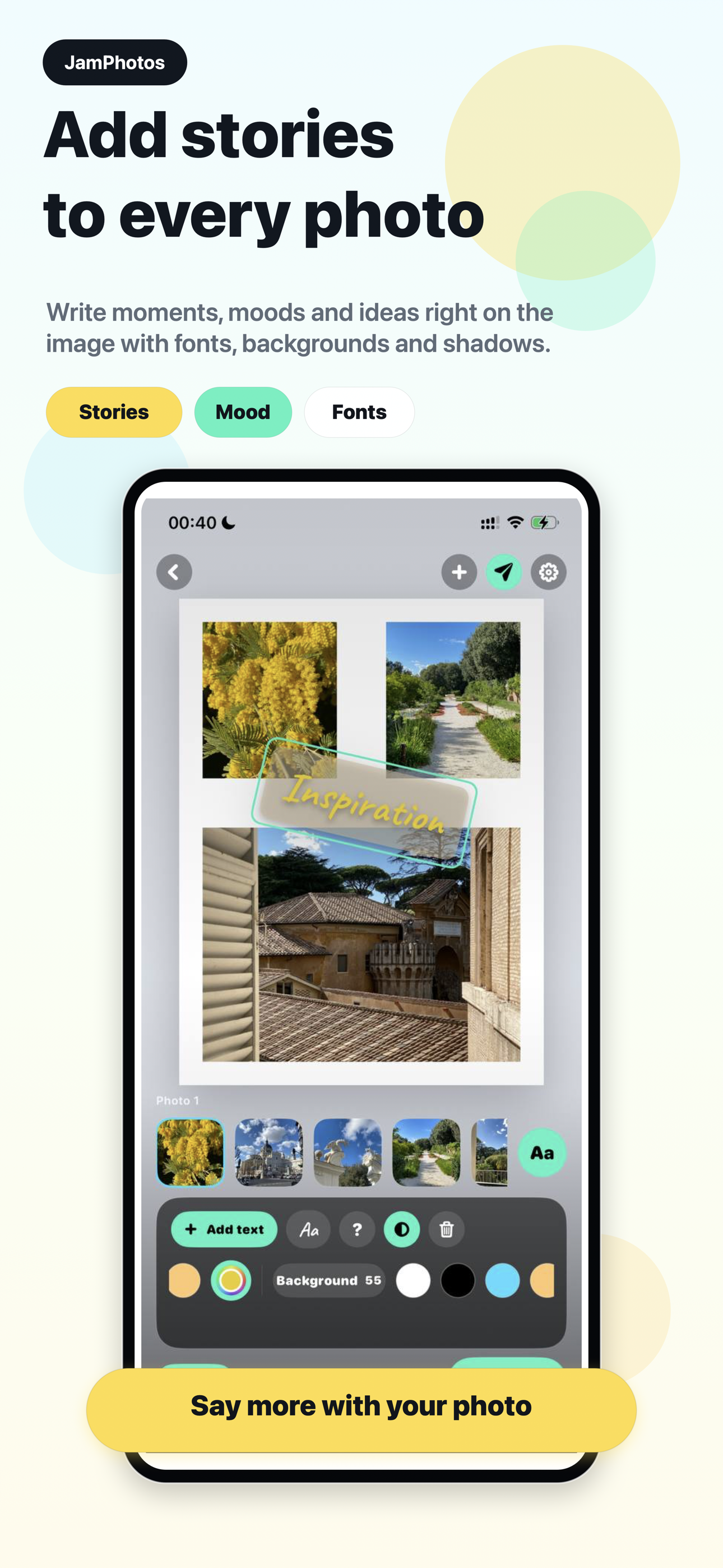
JamPhotos turns photo sets into clean share-ready images: collages, captions, frames, light and color matching, presets, crop, and batch export in one native iPhone and iPad editor. Photos and edits stay on your device.
No accountLocal photo processingiPhone + iPadiOS 17+
Made for real photo sets.
Posts, albums, listings, moodboards, product shots, and everyday batches. JamPhotos keeps the workflow fast on the phone and flexible for a full set.
Build layouts, add text layers, and move, scale, or rotate them with gestures.
Use reference photos to align tone across a batch without sending photo content to a server.
Privacy-minded by design.
JamPhotos does not need a web dashboard, team workspace, or upload-first process to edit selected images.
Selected photos, previews, text layers, collages, crop settings, presets, and exports are handled locally.
You can edit your own photo content without creating a cloud account.
Save or share finished images directly from iOS.
App Store screenshots
JamPhotos FAQ
Made for real photo sets.
Posts, albums, listings, moodboards, product shots, and everyday batches. JamPhotos keeps the workflow fast on the phone and flexible for a full set.
Privacy Policy
JamPhotos helps you edit batches or single photos, match light and color, build collages, add text and frames, and export polished images. Photos stay on your device.
Terms of Use
JamPhotos uses Apple's Standard End User License Agreement for app usage and in-app purchases.